 TetraKits
PDF to Image
Upload a PDF and convert every page to PNG, JPEG, or WebP images — preview thumbnails locally and download all pages as a ZIP file without sending data to any server.
Read: PDF to Image Guide: Convert PDF Pages to PNG & JPEG →
- Free to Use
- No Signup
- Privacy Friendly
How to convert PDF to images
- 1
Upload your PDF
Drop or browse to select a PDF file — processing happens entirely in your browser.
- 2
Choose image format
Select PNG for lossless quality, JPEG for smaller files, or WebP for modern web use.
- 3
Download ZIP
Preview page thumbnails, then download all converted images in one ZIP archive.
PDF to image conversion
Each PDF page renders to a canvas at screen resolution, then exports as a raster image. PNG preserves sharp text; JPEG compresses photos better; WebP balances both.
- PNG — lossless, best for text and diagrams
- JPEG — smaller files, good for photo-heavy pages
- WebP — modern format with strong compression
Why Use This Tool?

All Pages
Convert every page in a multi-page PDF at once.

Format Choice
Export as PNG, JPEG, or WebP depending on your use case.

Thumbnail Preview
See page previews before downloading the ZIP.

Local Processing
PDF never uploads — pdf.js renders in your browser.
Frequently Asked Questions
Are my PDFs uploaded to a server?
No. Conversion uses pdf.js and canvas entirely in your browser.
What resolution are the images?
Pages render at screen DPI — typically 96–150 DPI depending on your display.
Can I convert password-protected PDFs?
Encrypted PDFs must be unlocked first. This tool cannot bypass PDF passwords.
Is there a page limit?
Browser memory limits apply. Very large PDFs (500+ pages) may be slow or fail — split first if needed.
Is this PDF to image converter free?
Yes. Unlimited conversions with no signup.
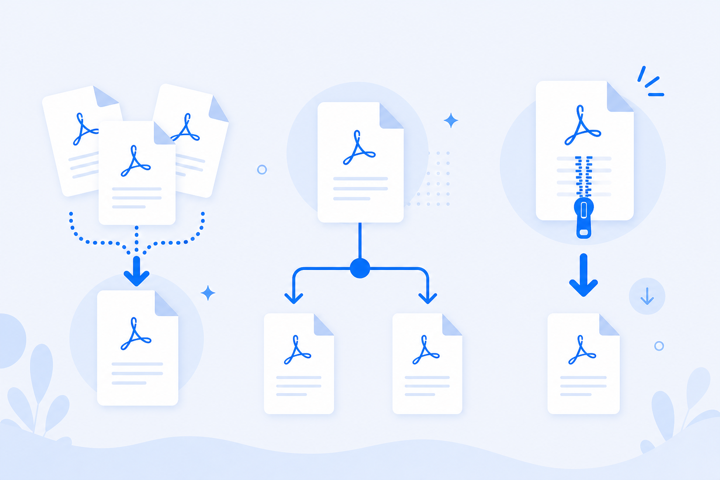
PDF Pages as Images Without Desktop Software
Presentations, social media posts, and thumbnail galleries often need PDF pages as image files — but Acrobat exports are slow and cloud converters upload your documents. Convert locally and download a ZIP in seconds.
