TetraKits
Compress PDF
Shrink PDF file size without uploading to a server. Choose light, balanced, or maximum compression, preview the size reduction, and download the optimized file — all processing stays in your browser.
Read: How to Compress PDF Online Without Losing Quality (Free Guide) →
- No Signup
- Free to Use
- Privacy Friendly
Why Use Our Compress PDF Tool?
-

Free Forever
Compress unlimited PDFs with no subscriptions or hidden fees.
-

100% Private
Compression runs in your browser. Your documents never leave your device.
-

Mobile and Desktop
Upload and compress from any phone, tablet, or computer.
-

Three Levels
Pick light, balanced, or maximum compression based on your needs.
How to Compress a PDF
-
 1
1
Upload your PDF
Drop a file or tap to select the PDF you want to compress.
-
 2
2
Choose compression level
Select light, balanced, or maximum based on quality vs size.
-
3
Download result
Save the smaller PDF and see how much space you saved.
Frequently Asked Questions
Is compressing PDFs free?
Yes. TetraKits Compress PDF is completely free with no signup or usage limits.
Are my files uploaded to a server?
No. PDF compression happens entirely in your browser. Your files never leave your device.
Will compression reduce text quality?
Text stays sharp at all levels. Image-heavy PDFs may show slight quality loss at maximum compression.
What compression level should I use?
Light for print-ready documents. Balanced for most sharing. Maximum when you need the smallest file for email or upload limits.
Can I compress multiple PDFs at once?
Compress one file per session. Merge multiple PDFs first with merge PDF, then compress the combined file.
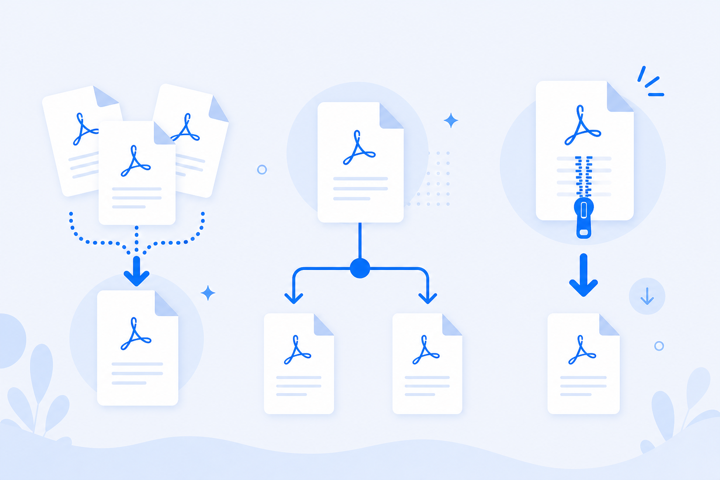
Smaller PDFs Without Cloud Uploads
Email attachment limits, portal upload caps, and mobile sharing all punish oversized PDFs. Browser-based compression with three levels lets you trade file size against quality — privately, without sending documents to a server.
Everything runs locally in your browser, so your documents stay private and the tool works on any device.