TetraKits
PDF Editor
Read: How to Edit PDF Text Online →
- No Signup
- Free to Use
- Privacy Friendly
- Images & Signatures
Why Use Our PDF Editor?
-

Free Forever
Edit unlimited PDFs with no subscriptions or hidden fees.
-

100% Private
Editing runs in your browser. Your documents never leave your device.
-

Mobile and Desktop
Tap to edit on your phone or use drag-and-drop on desktop.
-

Images & Signatures
Add photos, stamps, or draw a signature on any page.
How to Edit a PDF Online
-
 1
1
Upload your PDF
Drop a file or tap to select the PDF you want to edit.
-
2
Edit, sign, and annotate
Change text, add images, draw a signature, and drag items into place.
-
 3
3
Download your PDF
Save the updated document instantly to your device.
Frequently Asked Questions
Is the PDF editor free?
Yes. TetraKits PDF Editor is completely free with no signup or usage limits.
Are my files uploaded to a server?
No. PDF editing happens entirely in your browser. Your files never leave your device.
Can I edit scanned PDFs?
Scanned pages are images — text is not selectable. You can add new text boxes and images over scanned content.
Can I add a signature?
Yes. Draw your signature on the canvas and place it anywhere on the page. Resize and reposition as needed.
What other PDF tools are available?
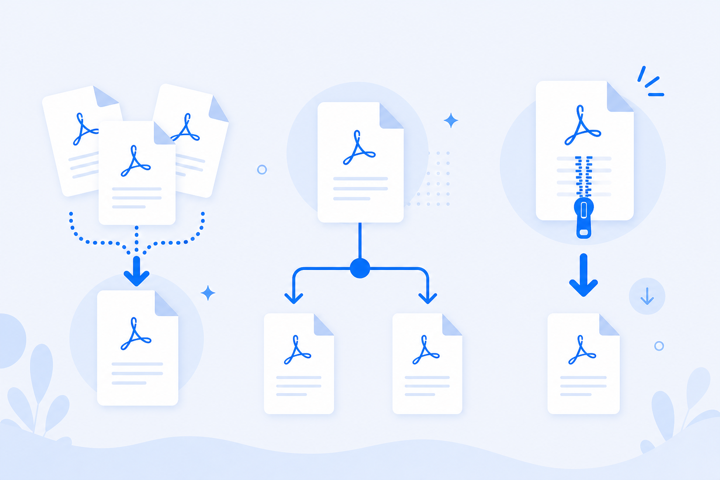
Try merge PDF, split PDF, or compress PDF for related tasks.
Quick PDF Edits Without Desktop Software
Last-minute contract typos, form field updates, and signature placement should not require Adobe Acrobat. A browser editor handles text changes, image insertion, and signatures — then downloads the updated file privately.
Everything runs locally for complete privacy, and the editor works on phones, tablets, and desktop computers.