 TetraKits
Merge PDF
Combine multiple PDF files into one document — entirely in your browser. Add files, drag to reorder, preview the combined page list, and download a single merged PDF without uploading to any server.
Read: How to Merge PDF Files Online Free (Combine PDFs in Browser) →
- No Signup
- Free to Use
- Privacy Friendly
Why Use Our Merge PDF Tool?
-

Free Forever
Merge as many PDFs as you need with no subscriptions or limits.
-

100% Private
Merging runs in your browser. Your documents never leave your device.
-

Mobile and Desktop
Upload from your phone or computer with drag-and-drop or file browse.
-

Drag to Reorder
Every page appears as a thumbnail. Drag them into the order you want before merging.
How to Merge PDF Files
-
 1
1
Upload PDFs
Drop files or tap to select two or more PDF documents.
-
 2
2
Arrange pages
Drag page thumbnails into the order you want in the final document.
-
 3
3
Merge and download
Click download to save your combined PDF instantly.
Frequently Asked Questions
Is merging PDFs free?
Yes. TetraKits Merge PDF is completely free with no signup or usage limits.
Are my files uploaded to a server?
No. Merging happens entirely in your browser. Files never leave your device.
How many PDFs can I combine?
Add as many files as your browser memory allows. Typical sessions handle dozens of documents.
Can I merge specific pages only?
This tool merges entire files in order. To extract pages first, use split PDF.
Will merged PDFs keep bookmarks?
Basic merge combines page content. Complex bookmarks and forms may not fully preserve — test critical documents after merging.
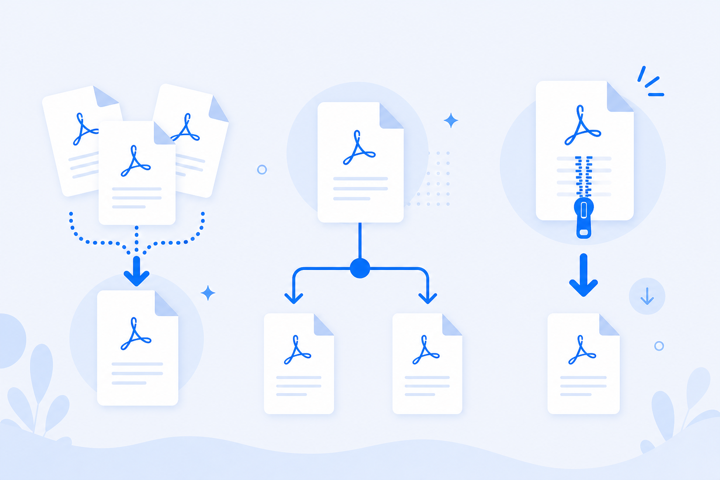
One PDF from Many Files
Contract appendices, scanned receipts, and report chapters often arrive as separate PDFs that need combining. Browser merge with drag-to-reorder handles the job privately — no email attachments to third-party services.
Because everything runs locally in your browser, it is fast, private, and works on phones, tablets, and desktop computers.
