 TetraKits
Free QR Code Generator
Create QR codes instantly for URLs, WiFi, contact cards, and more. No signup required.
Read: QR Code Marketing Guide 2026: Ideas, Design Tips & Free Tools →
- No Signup
- Free to Use
- Privacy Friendly
Your QR code is generated automatically as you type
Upload a logo to embed in the center of your QR code.
Why Use Our QR Code Generator?
-

Free Forever
No subscriptions, trials, or hidden costs. Generate as many QR codes as you need.
-

No Signup Required
Start creating immediately. No email, account, or verification needed.
-

Unlimited QR Codes
Create unlimited codes for websites, WiFi, contacts, text, and more.
-

High-Resolution Downloads
Export as JPG, PNG, SVG, or EPS for print and digital use.
-

Privacy Friendly
Everything runs in your browser. Your data never leaves your device.
-

Mobile Friendly
Works perfectly on phones, tablets, and desktop browsers.
How to Create a QR Code
-
 1
1
Enter your content
Add a URL, text, WiFi details, or contact info.
-
 2
2
Customize your design
Add a logo and choose colors that match your brand.
-
 3
3
Download your QR code
Save as JPG, PNG, SVG, or EPS in high resolution.
-
 4
4
Share anywhere
Print, post, or embed on websites and marketing materials.
Frequently Asked Questions
Is this QR code generator free?
Yes. TetraKits QR Code Generator is completely free with no hidden fees, subscriptions, or usage limits.
Do I need to create an account?
No signup is required. Open the tool, enter your content, and download your QR code immediately.
Can I use the QR code commercially?
Yes. QR codes you generate can be used for personal, business, marketing, and commercial projects.
What types of QR codes can I create?
You can create QR codes for website URLs, plain text, WiFi networks, digital business cards, PDF links, and app store links.
Is my data stored on your servers?
No. QR codes are generated locally in your browser. Your content is not uploaded or stored on our servers.
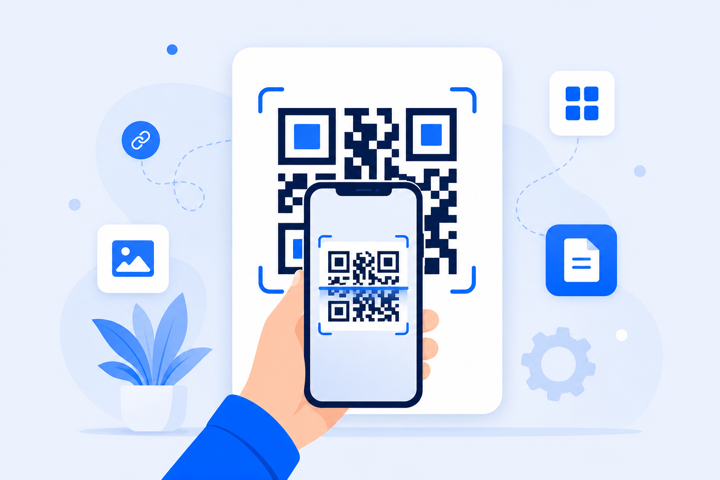
What Is a QR Code Generator?
A QR code generator is an online tool that converts text, URLs, contact information, or other data into a scannable two-dimensional barcode. When someone scans the code with a smartphone camera, they are instantly directed to the encoded content, whether that is a website, WiFi network, contact card, or plain message.
TetraKits QR Code Generator makes this process simple. Enter your content, customize the appearance, and download a high-quality image in seconds. Because generation happens entirely in your browser, it is fast, private, and requires no account.
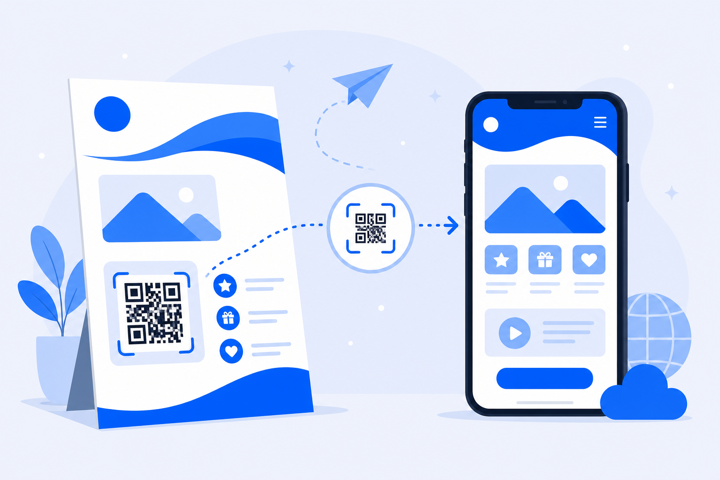
Benefits of Using QR Codes
QR codes bridge the gap between physical and digital experiences. They eliminate typing errors, reduce friction, and make it effortless for customers to access your content. Businesses use them on product packaging, restaurant menus, event posters, business cards, and retail displays.
Unlike traditional barcodes, QR codes store far more information and can encode complex data like WiFi credentials or full contact details. They work with every modern smartphone and require no special app. The built-in camera handles scanning.
Common QR Code Use Cases
- Website linksDrive traffic from print ads, flyers, and packaging directly to your landing page.
- WiFi sharingLet guests connect to your network without typing a password.
- Digital business cardsShare your name, phone, and email with a single scan.
- Event registrationLink to sign-up pages, tickets, or event schedules.
- Product informationConnect customers to manuals, ingredients, or warranty pages.
- App downloadsSend users directly to the App Store or Google Play listing.
- Plain text messagesEncode instructions, promo codes, or serial numbers.
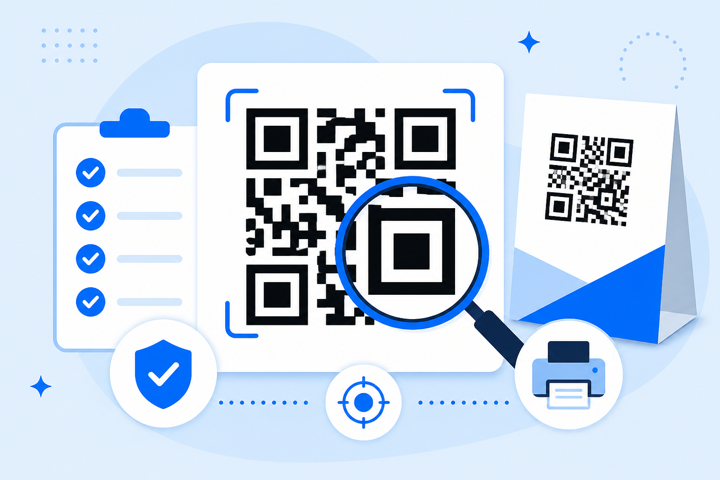
Tips for Better QR Codes
Follow these best practices to ensure your QR codes scan reliably every time:
- Maintain contrastUse dark codes on light backgrounds for maximum readability.
- Keep logos smallCenter logos should cover no more than 30% of the code area.
- Test before printingScan your code on multiple devices before committing to print runs.
- Use high resolutionDownload PNG or SVG for large-format printing. JPG works well for digital use.
- Include a call to actionAdd text near the code like "Scan to learn more" to encourage engagement.
- Check your URLVerify the destination link works on mobile before generating the code.
Why Choose TetraKits?
TetraKits is building a collection of free, fast, privacy-friendly online tools. Our QR Code Generator is designed with the same principles: no signup walls, no data collection, and a clean interface that works on any device. Whether you need a single code for a business card or hundreds for a marketing campaign, TetraKits delivers high-quality results without complexity.
Explore our other tools for PDF editing, financial calculations, and file utilities. All free, all instant, and all without registration.

