TetraKits
The TetraKits PDF to Image runs entirely in your browser — free, private, and ready on mobile or desktop.
Overview
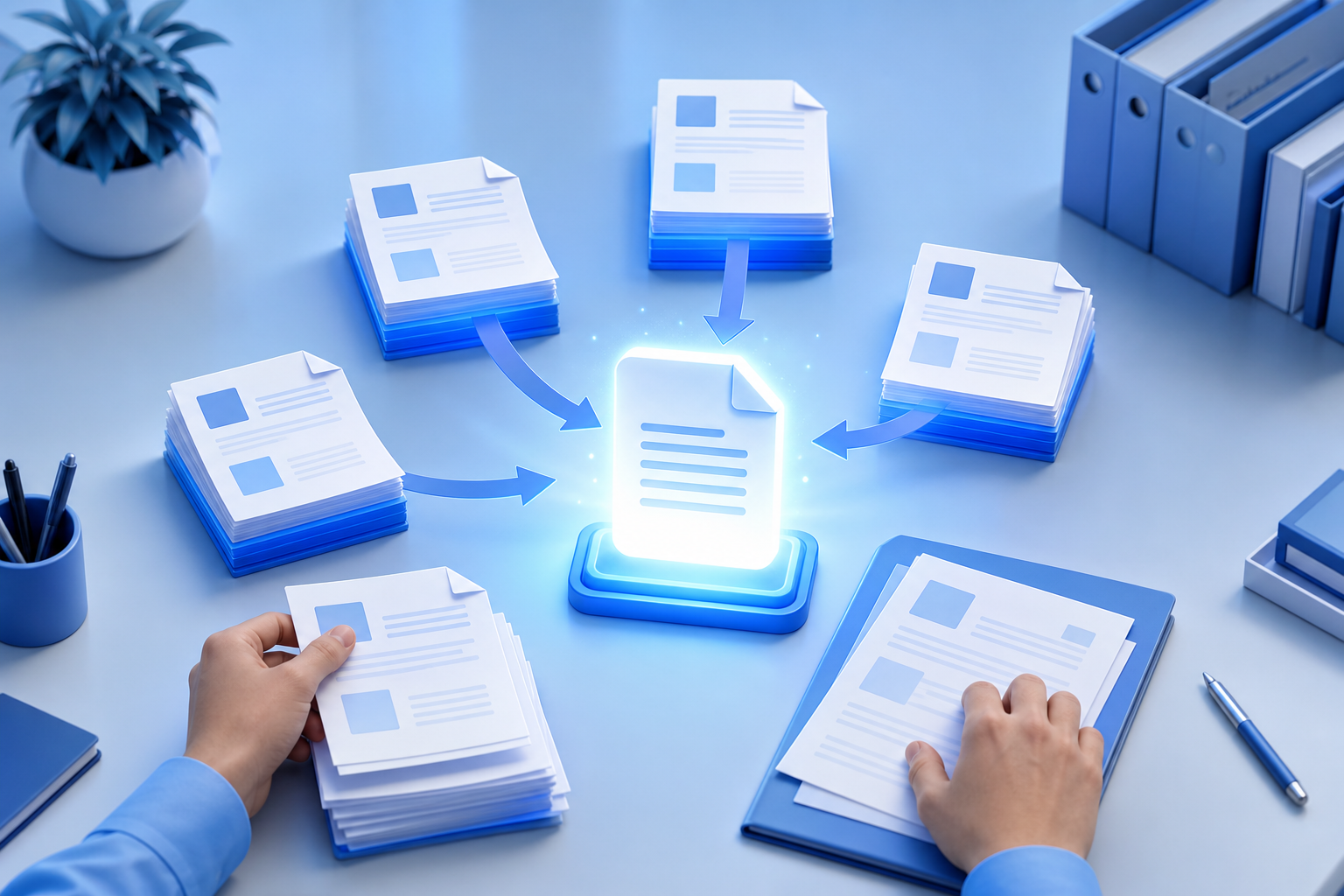
Presentations, social media posts, and thumbnail galleries often need PDF pages as image files — but Acrobat exports are slow and cloud converters upload your documents. Convert locally and download a ZIP in seconds.
How to use the pdf to image
Upload a PDF and convert every page to PNG, JPEG, or WebP images — preview thumbnails locally and download all pages as a ZIP file without sending data to any server.
Common use cases
Upload a PDF and convert every page to PNG, JPEG, or WebP images — preview thumbnails locally and download all pages as a ZIP file without sending data to any server. Bookmark the tool for quick access during projects.
FAQ
Are my PDFs uploaded to a server?
No. Conversion uses pdf.js and canvas entirely in your browser.
What resolution are the images?
Pages render at screen DPI — typically 96–150 DPI depending on your display.
Can I convert password-protected PDFs?
Encrypted PDFs must be unlocked first. This tool cannot bypass PDF passwords.
Is there a page limit?
Browser memory limits apply. Very large PDFs (500+ pages) may be slow or fail — split first if needed.
Is this PDF to image converter free?
Yes. Unlimited conversions with no signup.