 TetraKits
PDF Page Reorder
Upload a PDF, drag page thumbnails to rearrange order, and download the resequenced document — all in your browser with no server upload.
Read: PDF Page Reorder Guide: Rearrange Pages Online →
- Free to Use
- No Signup
- Privacy Friendly
How to reorder PDF pages
- 1
Upload your PDF
Drop or browse to load the PDF — page thumbnails appear in the grid.
- 2
Drag to reorder
Drag thumbnails to the desired sequence — fix misplaced scans or reorganize sections.
- 3
Download PDF
Click download to save the PDF with pages in your new order.
Page reordering
Reordering rebuilds the PDF with pages in your chosen sequence. Original page content is preserved — only the order changes.
- Drag and drop — visual reordering with thumbnail previews
- Content preserved — text, images, and formatting stay intact
- Local processing — pdf-lib reassembles the file in your browser
Why Use This Tool?

Visual Reorder
Drag thumbnail previews to any position.

Full Preview
See every page before downloading the reordered PDF.

Quick Fixes
Fix scan order mistakes without desktop software.

Private
Your PDF never leaves the device.
Frequently Asked Questions
Can I remove pages while reordering?
This tool reorders only. To remove pages, use split PDF first, then reorder the remaining file.
Does reordering compress the PDF?
No. Page content is copied as-is — file size stays roughly the same.
Can I insert pages from another PDF?
Not in this tool. Merge PDF combines files; reorder adjusts sequence within one file.
How many pages can I reorder?
Browser memory limits apply. Most documents under 200 pages work smoothly.
Is this PDF reorder tool free?
Yes. Unlimited reordering with no signup.
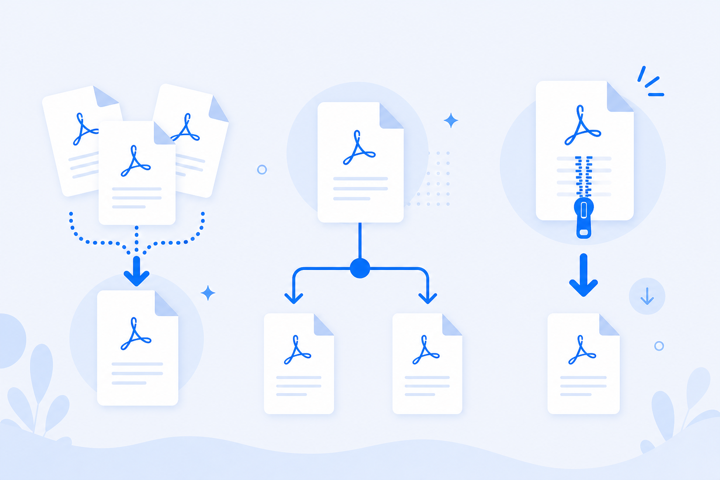
Resequence Pages Without Print-and-Scan
Mixed-up scan batches and exported reports often have pages in the wrong order. Drag thumbnails to the correct sequence and download — faster than printing, physically reordering, and scanning again.
